
How to Fix a Clogged DTF Printhead — Step by Step Guide for Kenyan Printers
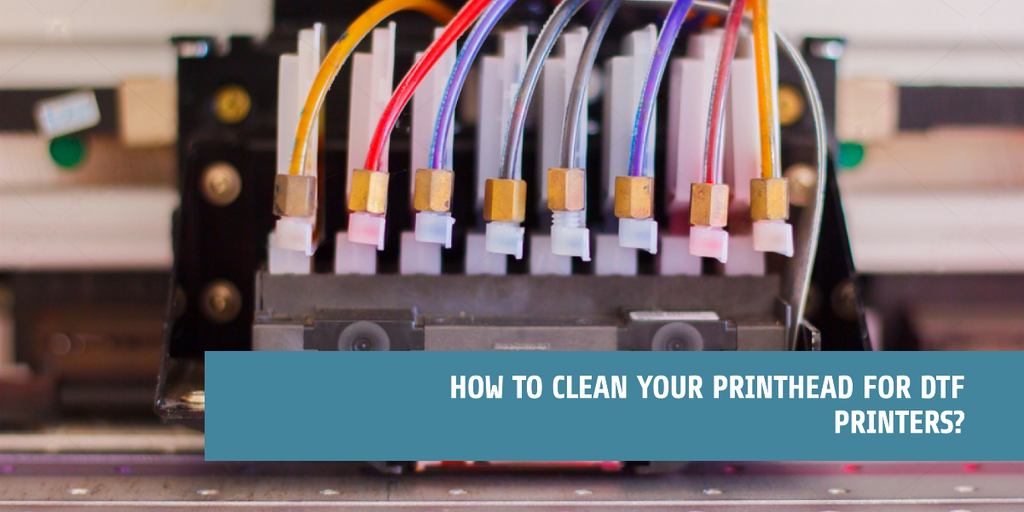
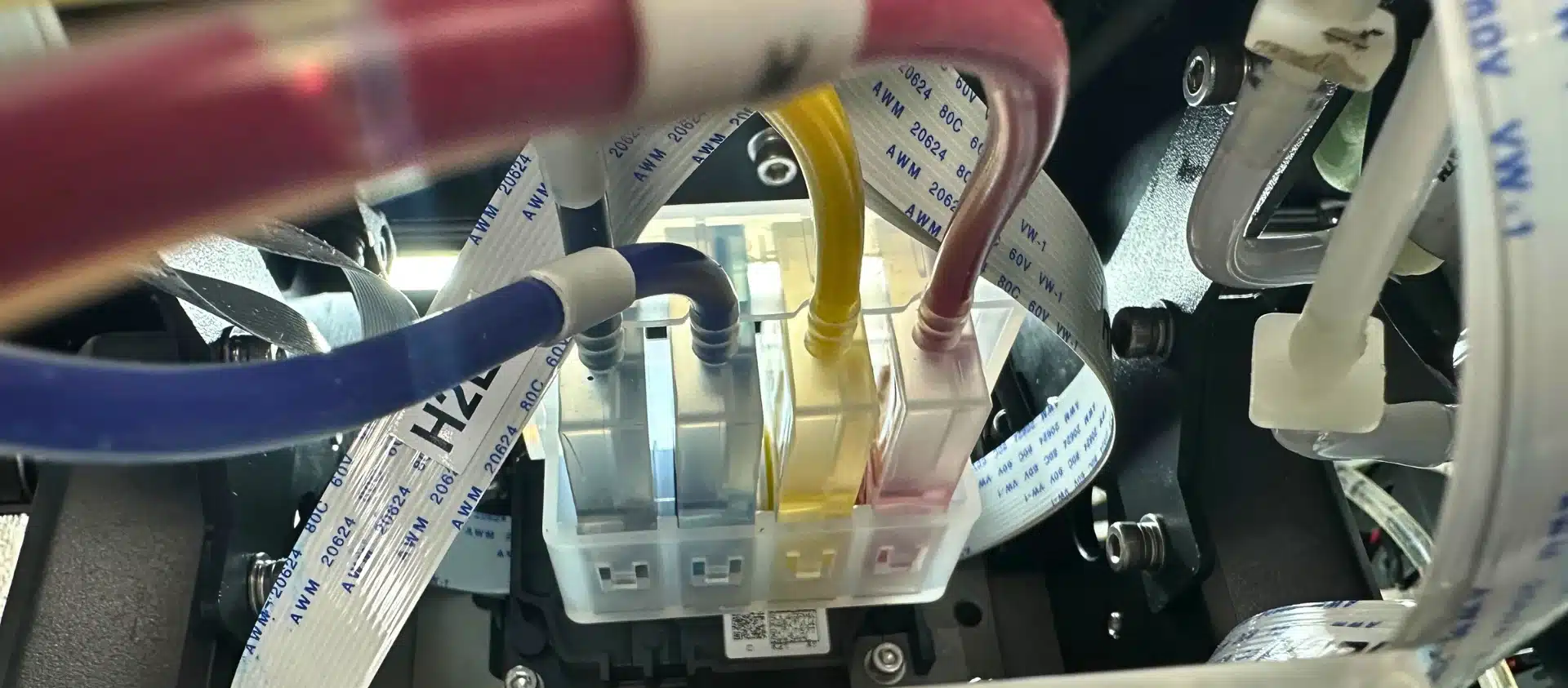
It is 8am. You have 200 T-shirts to print for a school event. You switch on your DTF printer, load the film, send your first design — and nothing prints. Or worse, the print comes out with white streaks running through it like a zebra crossing on Thika Road. Your heart sinks. You know exactly what has happened: your printhead is clogged.
This is one of the most common problems facing printer operators across Kenya, and it costs businesses thousands of shillings every month in missed orders and emergency repairs. The good news is that most printhead clogs are 100% preventable — and even when they happen, you can fix them yourself without calling a technician.
Why Do Printheads Clog?
Understanding the cause is the first step to prevention. Printheads clog for several reasons:
- Ink drying inside the nozzles — especially when the machine is left idle for days without running a cleaning cycle
- Low-quality inks — cheap inks have poor formulations that settle and solidify faster inside the printhead channels
- High temperatures — in Nairobi’s CBD or industrial areas where workshops get very hot, ink dries faster
- Humidity changes — coastal areas like Mombasa have high humidity that can cause ink chemistry issues
- DTF white ink — white ink is the most notorious. It is pigment-heavy and settles quickly if not circulated regularly
How to Spot a Clogged Printhead
Run a nozzle check on your machine — every printer has this option in the software. A healthy nozzle check shows solid, complete lines across all colour channels. If you see broken lines, gaps, or missing sections, you have a clog.
Other signs include:
- Streaks or banding running horizontally across your prints
- Missing colours in printed designs
- White areas that should be coloured
- Faded or washed-out prints
Step-by-Step: How to Fix a Clogged Printhead
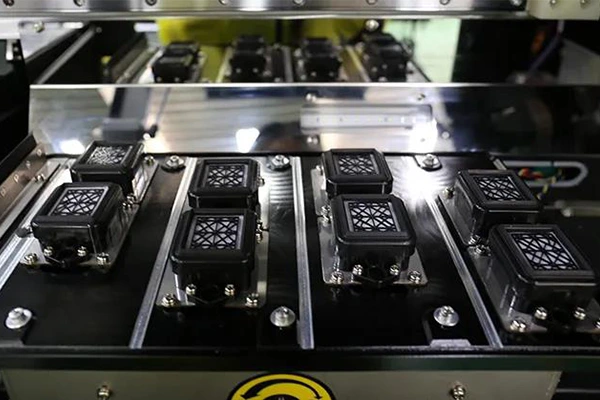
Step 1 — Run an Automatic Cleaning Cycle
Always start with the machine’s built-in cleaning function. In your printer software (AcroRIP, Maintop, or the machine’s control panel), find the head cleaning option and run it. Then print another nozzle check. For mild clogs, this is often enough.
Step 2 — Run a Powerful Cleaning Cycle
If one cleaning cycle does not work, run 2 to 3 more with 10-minute breaks in between. Do not run them back to back — this wastes ink and can overheat the head.
Step 3 — Manual Cleaning with Cleaning Liquid
If the automatic cycles are not clearing the clog, it is time for manual intervention. You will need a proper printhead cleaning liquid — available at Vignette Printers. Do not use water or methylated spirit. These damage the printhead.
Process:
- Turn off the printer and move the printhead carriage to the centre
- Use a clean syringe to gently push cleaning liquid through the ink inlet on the clogged colour channel
- Leave it to soak for 30 minutes
- Flush gently with more cleaning liquid
- Run a nozzle check to see improvement
- Repeat if necessary — some deep clogs take 2 to 3 rounds
Step 4 — Ultrasonic Cleaning (for severe clogs)
If manual cleaning does not work, the printhead may need ultrasonic cleaning — a professional service where the head is soaked in an ultrasonic cleaning bath. Contact us at Vignette Printers and we can advise you on the best option.
How to Prevent Printhead Clogs — The Daily Routine
Prevention is far cheaper than repair. Here is what every serious printer operator in Kenya should do:
- Never leave your machine idle for more than 2 days without running a cleaning cycle and printing a nozzle check
- Agitate your white ink every morning before printing — shake the ink cartridge or bottle gently
- Use only quality inks — cheap inks are the number one cause of clogs in Kenya. We stock DTF inks and eco-solvent inks formulated specifically for Epson XP600 and i3200 heads
- Keep your printer in a clean, dust-free environment — cover it when not in use
- Run a nozzle check every morning before starting production
- Flush with cleaning liquid if you are shutting down for more than 3 days
When to Replace the Printhead
If you have tried everything and the nozzle check is still showing missing nozzles, it may be time for a printhead replacement. At Vignette Printers, we stock genuine XP600 and i3200 replacement printheads. We also offer installation support so you do not have to figure it out alone.
A printhead replacement is not the end of the world — with proper maintenance going forward, a new head can last you 2 to 3 years of daily production.
Need Help Right Now?
If your printer is giving you problems and you need urgent help, you can use our Vignette Diagnostic Pro — a free AI-powered troubleshooting tool specifically built for printing machines. Select your machine, describe your problem, and get step-by-step fix instructions immediately.
Or simply WhatsApp us and our technical team will walk you through the fix.